Building a website with a FatCow web hosting account is an easy way to establish an online presence. However, many users may come across some unfamiliar terms when signing up. For example, we all know what a website is, but how is that different from a domain? Learn how these various services work together to help your business get online.
There are four essential parts involved in the creation of your website: your web host, your domain, the ISP that you use to get online, and the device that you use to browse the internet.
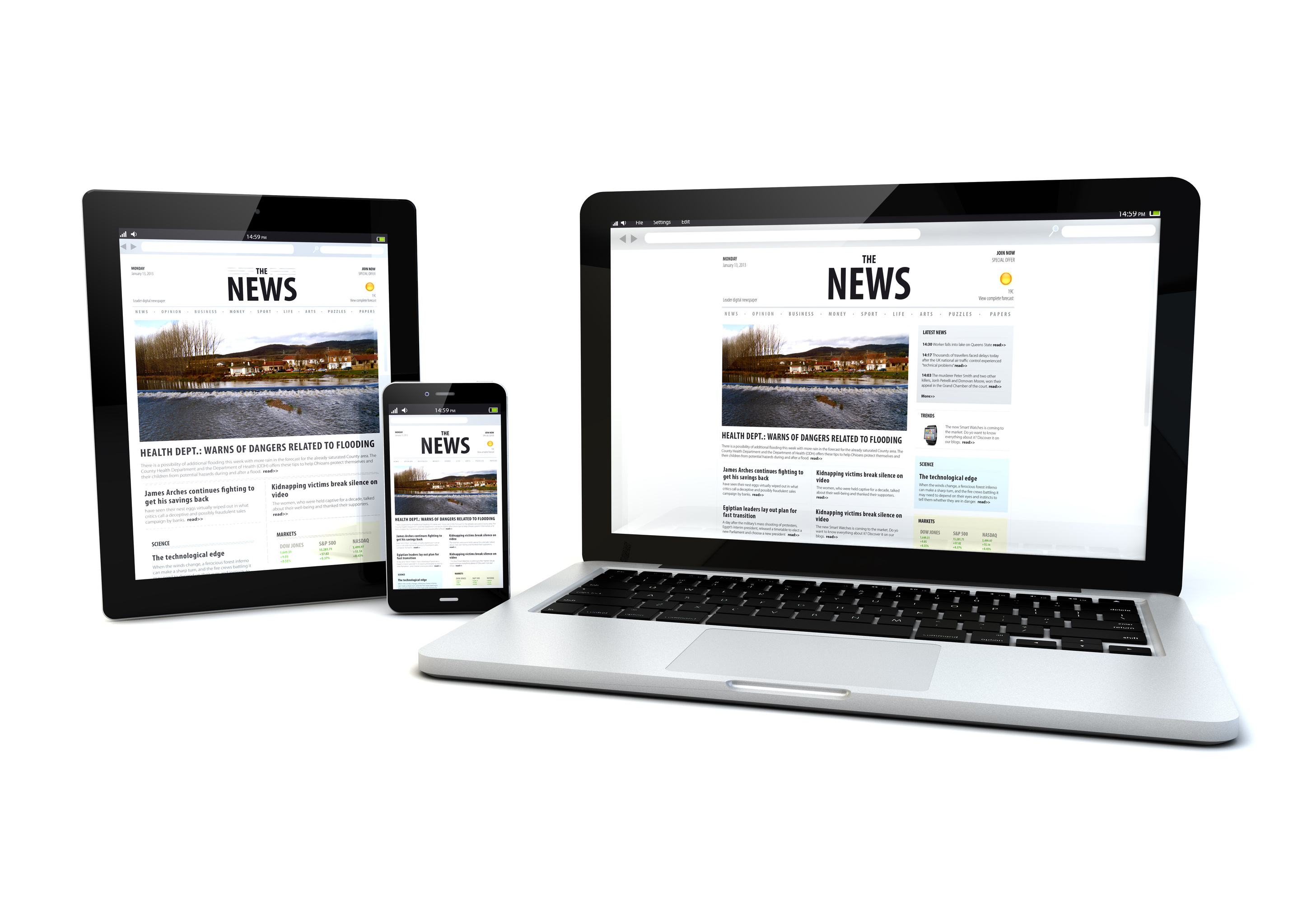
Web hosting – Web hosts such as FatCow offer online space and the necessary tools for creating a website, among many other services (such as providing webmail, domain registration, etc). Web hosting space is often located on groups of servers stored in a secure location. Domain – A domain is the “name” of your website. Domains are used as the common method for easily accessing a website, since they are much simpler to update than IP addresses, which are the strings of numbers used to identify where a website is stored on the internet (think of it similar to an entry in a phone book). An example of a domain is www.fatcow.com. ISP – An ISP, or “Internet Service Provider,” is a company that provides internet access (such as Comcast, Verizon, Cox, etc). Any ISP can be used to access the services provided by a web host such as FatCow, who is a hosting ISP (as they provide specialized internet offerings, rather than just general access to the internet like a regular ISP). Computers and Mobile Devices – This group includes any technology that can access the internet, such as a desktop or laptop computer, a mobile phone or smart phone device such as an iPhone or Android phone, or a tablet computer, such as an iPad or Kindle Fire.
An easy way to think of the relationship between these four parts is like this:
• Your website is your online house
• Your domain is your house’s address
• The internet access provided by an ISP is the road that takes you to your online house
• Your computer or mobile device is the vehicle that you ride for the your journey to your online house
We hope your holiday season is going well. Here at FatCow, we love this time of year because it allows us to reflect on what’s most important: family, friends, and philanthropy. Every year the Moo Crew joins together to contribute to Toys for Tots, an organization run by the Marines that collects unwrapped, new gifts for underprivileged children. This year we collaboratively collected dolls, games, sporting toys, as well as other goodies, that were distributed to children in need.
The holiday season is in full swing here at the FatCow farm. In honor of Thanksgiving, the whole herd joined together last week for our second annual casino night. The event was filled with hors d’oeuvres, gambling (with “funny money,” of course), and employee bonding – all for the sake of charity. At the end of the night the top three winners were able to donate to a charity of their choice. The first place winner donated $10,000 to the New England Disabled Sports charity, the second place winner donated $5,000 to The Field Band Foundation , and the third place winner also donated to the New England Disabled Sports charity.
Hope ya’ll had a Happy Halloween. The MooCrew had a blast celebrating… and with a costume contest on the line, things got pretty competitive here at FatCow.
The day reinforced our team’s creativity, with costume inspiration drawn from movies (Pedro from Napolean Dynamite), video games (Pacman & the Pacman ghosts), decades past (groovy disco dancer, anyone?), and of course, classic Halloween (witches, warlocks, and zombies).
And the fun didn’t stop there! The whole FatCow farm was transformed into spooky headquarters, with cobwebs covering walls, a graveyard in our break room, skeletons hanging from the ceiling, and zombies propped upright, looking just a smidge too realistic.
Herd members also enjoyed psychic readings, photo booth snapshots, a cupcake bar, and a whole lot of candy.
Here are a handful of pictures highlighting the fun!
The Moo Crew is excited to be supporting Breast Cancer Awareness this month, a cause really important to the whole herd.
Many of our lives have been personally impacted by the disease, and though we’re not doctors or scientists, we’re doing everything we can to assist researchers as they search for a cure.
Every October, for the past six years, we’ve donated a portion of the proceeds earned from each new hosting signup to the Breast Cancer Division of the American Cancer Society. This year we’re taking it a step further, and we need your help!
We’ve created a number of pink badges (available at fatcow.com/pink/), for you to install onto your website. By posting a pink badge, you’ll not only help to raise awareness for the cause, but FatCow will donate an additional $1.00 to the American Cancer Society! Then all you need to do is simply fill out the brief form at the bottom of the page (fatcow.com/pink/) letting us know you added a badge to your site.
You don’t have to be a FatCow customer to participate; that’s right – this opportunity is open to all website owners! So what are you waiting for? Post a badge on your website today!
Although you don’t necessarily need to know HTML to maintain a successful site (with FatCow you can use the Drag and Drop Site Builder for free!), a basic understanding is definitely useful when you have your own website. This blog post will touch upon the most commonly used HTML codes:
WHAT IS HTML? HTML, or HyperText Markup Language, provides a means of formatting content in ways that browsers, such as Google Chrome, Firefox and Internet Explorer can understand.
An HTML “tag” is an element enclosed in angle brackets. Each element requires a “starting tag” and “closing tag,” which act as bookends for the content you want to display. A forward slash indicates the closing tag.
Example:
Alternatively, tags that do not wrap around content can be open and closed in the same tag.
Example:
FORMATTING TEXT
Use the following tags for changing the basic format of your text.
For boldfacing text:
For italicizing text:
For underlining text:
PARAGRAPHS & BULLETS Use the following tags when implementing page format changes.
In HTML, line breaks aren’t automatically created by hitting the “Enter” or “Return” key. To indicate a line break, use:
Line one text<br/>
Line two text<br/>
To indicate a new paragraph, use:
To create an unordered list, use “ul” for the list and “li” tags for the actual list items:
The above example will display as:
item one
item two
item three
To create an ordered list, simply replace the “ul” tag with an “ol” tag.
Example of an “ordered list”:
item one
item two
item three
LINKS & IMAGES Inserting hyperlinks and images into your site is just as simple as inserting text. The process also involves using starting and closing tags.
Hyperlinks — A link is indicated by an “a” tag. To hyperlink text, simply place the text you want to use in between the “a” tags. To specify where the link should go, add “href” to the opening “a” tag and make it equal your destination URL. For example:
Images — An image is indicated by an “img” tag. An “img” tag can contain a number of different attributes indicating alignment, image name, etc.
The minimum that you’ll need, however, is the “src” attribute which indicates the location of the image so that it can be properly displayed. It will look like this:
We hope you’ve found this information useful! For more in depth HTML tutorials, we recommend checking out HTML Dog.
If you’ve ever lost or accidentally overwritten your website’s files, you know the importance of backing up your site on a regular basis. Website back up is essential … and is usually only thought about after the fact. With FatCow it’s easy to archive your site’s files using FileManager, available for free through your control panel. To archive your files with FileManager:
2. Select the files you’d like to archive, by clicking the check-box next to the folder, in the right pane of the interface.
3. Click the “Archive” icon, which is located above the search box at the top of the FileManager interface; this will prompt a pop up box asking you to create a name for the archive.
4. After entering a name and clicking “Archive” on the pop up, you’ll notice the archive will appear in the list of files, as a .zip file.
It’s as easy as that! Your files are backed up and are now available for download whenever you need them.
The Moo Crew loves to celebrate the holidays because it means fun and philanthropy! This year we kicked off the season the week before Thanksgiving when the whole herd got together for a company hosted casino night. Members of the Moo Crew nominated a handful of charities and each attendee was given some funny money to gamble. At the end of the night, FatCow divided $10,000 amongst the top four winners who were then given the opportunity to use that money to make a donation to one of the 11 nominated charities:
We’re proud to announce that we have been awarded membership to the U.S. Environmental Protection Agency’s 2011 Green Power Leadership Club, which the EPA describes as “an elite group of Green Power Partners who are demonstrating exemplary environmental leadership.”
To celebrate, we’ve created six new “green badge” designs that customers can add to their websites, bringing the total up to nine:
If you host your site with FatCow, let your visitors know that your website is eco-friendly! Log into your account to access one of these green badges >>
(Please note that FatCow’s Green Badges and Certificates are the sole property of FatCow and may only be used by FatCow’s hosting Customers.)
FatCow’s Gone Green?
You bet. Granted, we’re a web hosting company; everything’s online. There are no earthly resources to expend … except all that electricity. And so, for the last two years, we’ve been offsetting all of our electricity use with wind-generated Renewal Energy Certificates, becoming a “Green Power Partner” of the U.S. Environmental Protection Agency.
These Renewable Energy Certificates prevent the release of 2,660 metric tons of carbon dioxide from entering the atmosphere each year. The estimated yearly benefit to the environment is equivalent to planting ~2,390 acres of trees or not driving 6.1 million miles.
Customer Websites Are Green, Too
You have a choice in where you host your website, and with FatCow, you’re electing to host your site in an eco-friendly data center. If you’re a FatCow customer and you’d like to spread the word, add one of three “green” badges to your site.
Is Green Marketing Effective?
Promoting environmentally friendly products or services can be a double-edged sword; it can be highly effective if done correctly, but it can potentially backfire if done disingenuously.
Until recently, green marketing targeted a niche audience. It slowly gained momentum in the 80s and 90s, but didn’t find a mainstream following until the middle part of last decade. According to a June 2007 article (AdAge), media veteran C.J. Kettler noted that “nine magazine covers came out for the month of April in celebration of Earth Day,” causing her to declare that “the tipping point [for mainstream attention to the green movement] feels like it’s tipped.”
For some, however, the green movement quickly became overexposed, and marketers wishing to capitalize on it seemed disingenuous. In December 2008, Kelly Hlavinka (COLLOQUY) wrote that, “While … environmentally friendly … marketing initiatives [are] admirable, our collective rush to jump on the green-painted bandwagon has a high potential for consumer backlash.”
Ms. Hlavinka even used the same expression as Ms. Kettler, writing that “we’re quickly approaching the green marketing tipping point” — except she meant to say that, just 18 months later, it had begun tipping the other way. In fact, in a newsletter last year, we discussed some of our own recent green initiatives, and while many of you commended our efforts, some of you called it “phony pandering,” and urged us to “leave politics out if it.”
Does this backlash mean that green marketing isn’t effective? Not at all. It simply means that it needs to be done right. As Ms. Hlavinka puts it, the key is finding ways to “build loyalty with your green-minded constituents without appearing desperate or opportunistic.”
Green Marketing Resources
So how can you employ effective green marketing techniques? By learning from others: emulate the success stories, avoid the pitfalls. We’ve put together an eclectic group of green marketing resources, from case studies and expert advice to green WordPress themes:
Promote Your Green Website: We’ve experienced a tremendous amount of success with our own green marketing efforts, and we’ve heard from many of our customers who’ve received overwhelmingly positive feedback after adding one of our eco-friendly badges to their websites.
Study History: Just last week, CBC’s radio program, “The Age of Persuasion,” explored the history of green marketing, examining what has worked in the past, as well as what hasn’t. The program is 26 minutes long.
Tell a Story: In this September 2010 article, Shannon Arvizu points out that “Most clean tech marketing strategies lack a potent emotional or narrative component. Conventional green marketing [is limited to] facts or statistics … [which] is not necessarily the most effective way of communicating the value of a green product to consumers.”
Don’t Forget “Regular” Marketing: In this June 2010 article, Beth Zonis reminds us that “it’s important not to get too carried away with the green-ness … of your offering, at the expense of explaining how well it solves your customer’s needs.”
Tell Us What You Think
Share your stories with us. Is green marketing something that can help your business? Have you had success with it in the past?